Loading

Let's troubleshoot together! Find answers to the most common issues or contact us directly.

1. Head to your Settings & click on Mobile Data
2. Select 'Add eSIM'
3. Click on the QR code option
4. Scan your QR code to install eSIM
1. Head to your Settings & click on Mobile Data
2. Select the newly installed Jetpac eSIM
3. Turn on Data Roaming and you're good to go!
1. Head to your Settings & click on Mobile Data
2. Select the newly installed Jetpac eSIM
3. Turn on on the eSIM and click on 'SIM applications'
4. Click on 'Admin' and key in the code '5656'
5. Click on ‘Manual IMSI selection’
6. Change IMSI according to the country list
7. Restart your phone and ensure New APN is selected.
1. Head to your Settings & click on Mobile Data
2. Turn on Jetpac eSIM
3. In the APN fields, set the APN according to the country list
4. Restart your phone and ensure New APN is selected.
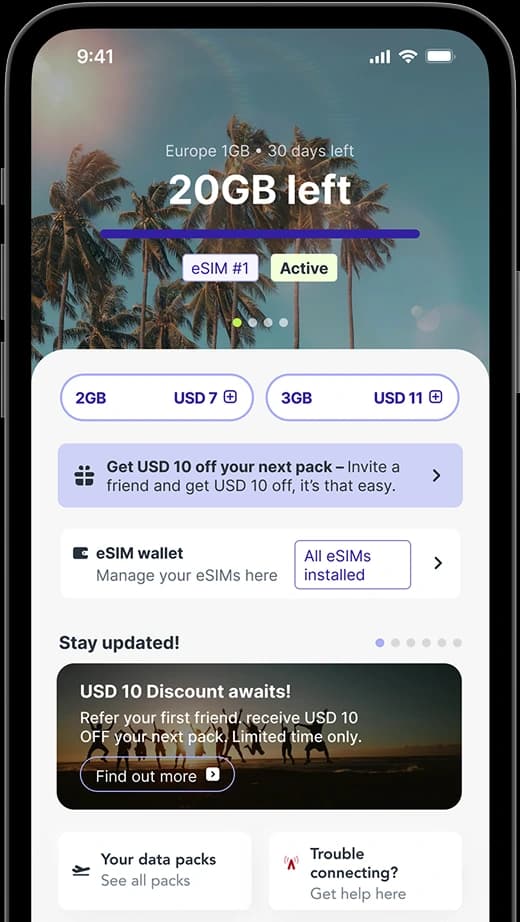
Travel made even easier with the Jetpac App, designed to take the stress out of getting connected